


Quest Hand Tracking

Last updated: Oct 08, 2026
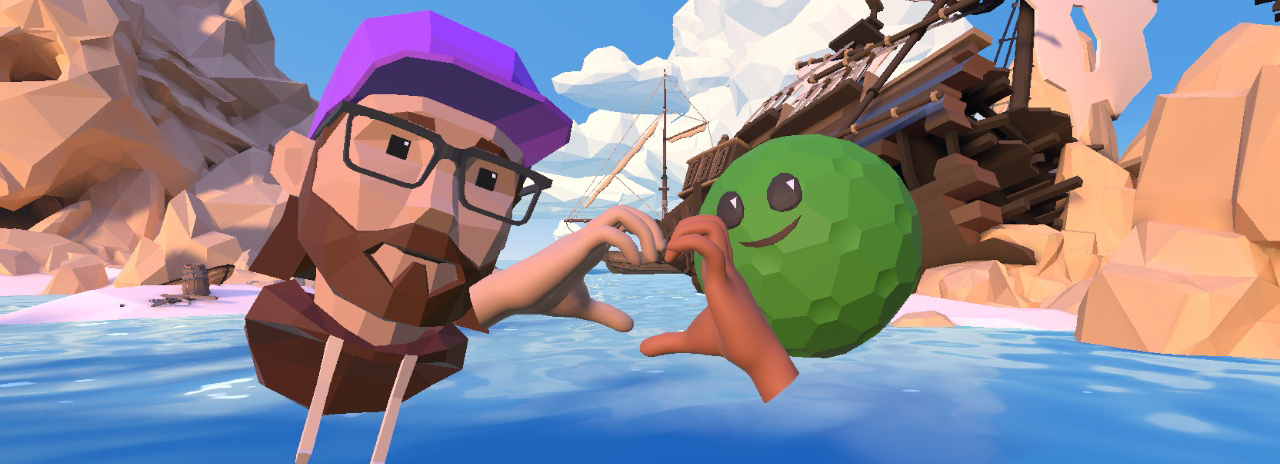
Introducing: Quest Hand Tracking
We're excited to introduce hand tracking to our Meta Quest players! We have two styles of hand tracking gameplay:
- Swing Mode: Our more traditional hand tracking where a player grips their hand to simulate holding/swinging a putter
- (Recommended play style) Pinch-to-Putt Mode: Our pinch style closely mirrors our prior Pocket Edition gameplay; players will need to pinch and pull back on the ball, displaying a power meter. Players can enter pinch-to-putt mode by activating the radial gesture menu, and then pinching and releasing in the lower right-hand corner.
How to Enable Hand Tracking:
Quest System:
- Settings > Movement Tracking > Hands and Controllers (There'll be a toggle to enable them on)
In-game:
- Settings > Options > Hand Tracking Experimental Toggle
Once hand tracking is enabled, players will be able to swap between hand or controller tracking, simply by picking the controller up and bringing it into your boundary.
Changes with Hand Tracking:
- Navigation: Flying is disabled while in hand tracking mode; players will use pinch gestures for navigating with teleport locomotion
- UI: If a player has used hand tracking in a round to complete any shot, a hand icon will display next to their scorecard name, and that player's expanded scorecard view will list hand tracking as a round modifier.
- Note: Unlike other modifiers, such as Mulligans, the use of Hand Tracking does not negate records.
Hand Tracking 101 / Tips & Tricks
- Pro tip: You can use "Grip to Putt" while in hand tracking mode by gripping your hand and making a fist to keep the putter head alive
- Left-handed players: We have a lefty toggle for hand tracking on the same Options page you enable the setting
- Navigation: If you pinch your finger and quickly swipe, you'll be able to turn quickly in place for small adjustments
Troubleshooting
- Hand Tracking is considered an experimental addition to the game and must be opted into on both a system and in-game level
- Guardian Boundary Reset: For general tracking issues, it can be helpful to do a complete reset of the guardian boundary.
- Hand tracking cameras and sensors vary between different headsets, such as the Quest 2 to Quest 3. If you're having issues playing the game, we suggest doing tracking-related troubleshooting such as:
- Check you have sufficient lighting in your play space; things like mirrors, Christmas lights, or reflective screens can affect tracking quality
- Check that things such as long hair, long sleeves aren't covering any of the sensors on the headset or covering your hands
Known Issues
- There is some visual latency with the hand models in multiplayer mode; players may see hands jumping or lagging. Typically, a player taking a shot restores the hands to the correct position.
- There is some visual latency with swapping hand orientations between hand tracking and controller play (such as using a right-handed controller then using left-handed hand tracking)

